
Tag: SaveSelected
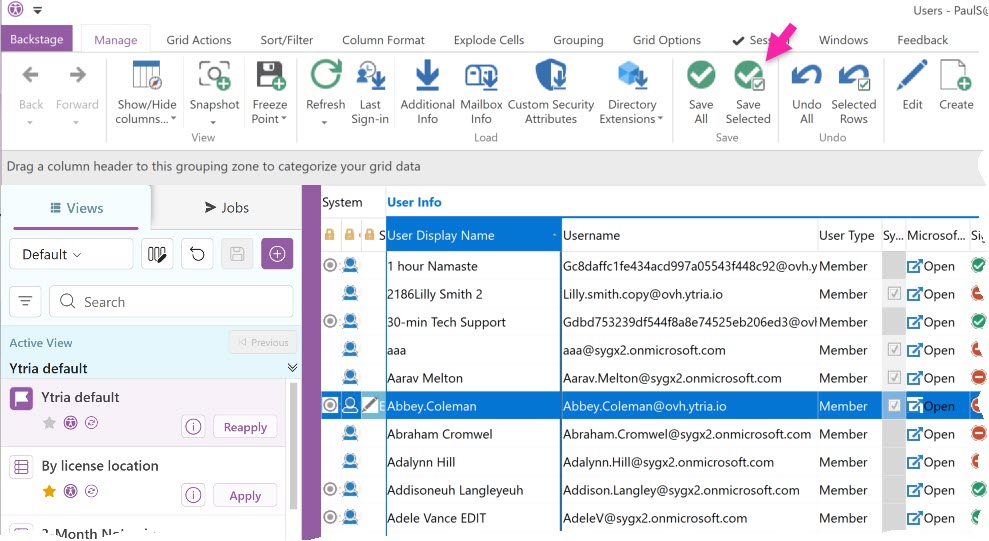
SaveSelected sends a store command to the server and will save the modified entries selected in the grid.
|
Tag Attributes
|
Attributes |
Attribute Value |
Comment |
|---|---|---|
|
True / False |
Defaults to False For the confirmation dialog |
|
|
AllowPowerShell |
TRUE / FALSE (Defaults to FALSE) |
TRUE: if saving needs Exchange PowerShell and no PowerShell session is open yet, sapio365 asks for the PowerShell sign-in. FALSE: what needs PowerShell is skipped. From the command line, an error is logged instead of the sign-in. |
Example Script
|