
Tag: ShowGroups
ShowGroups launches the All Groups & Teams module.
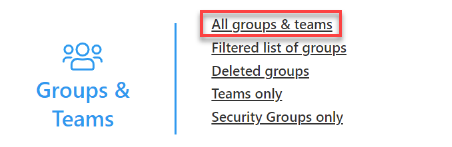
<ShowGroups/>
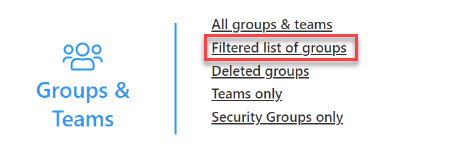
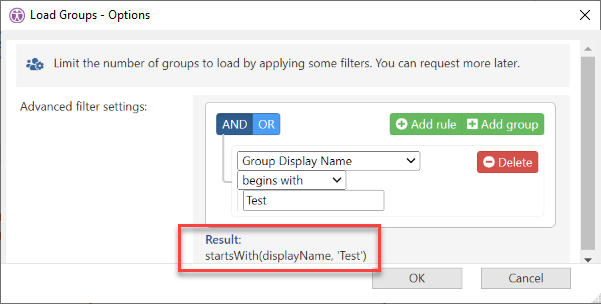
The Filter attribute automates the Options dialog for the Filtered list of groups Options dialog:
Tag Attributes
|
Attributes |
Attribute Value |
Comment |
|---|---|---|
|
True/False |
Defaults to True |
|
|
Filter |
Filter string for the Options dialog |
As seen in Filter editor Result -- see below |
|
FrameId |
Unique identifier of the frame |
Reuse the frame if it exists already, create a new one if it doesn’t. |
|
RefreshIfOutdated |
true/false parameter (defaults to False) |
Refresh data if cache is outdated when opening Groups module |
|
AdditionalInfo |
true/false parameter (defaults to False) |
Reload ‘Additional Info’ for groups updated by refresh action while opening Groups module |
|
DirectoryExtensions |
true/false parameter (defaults to False) |
Refresh ‘Extension Attributes’ for groups updated by refresh action while opening Groups module |
Example Script
<ytriaAutomation>

	<ShowGroups Filter="startsWith(displayName, 'Test')" FrameId="groups_1">
	...
	</ShowGroups>

</ytriaAutomation>