
Tag: UploadFolder
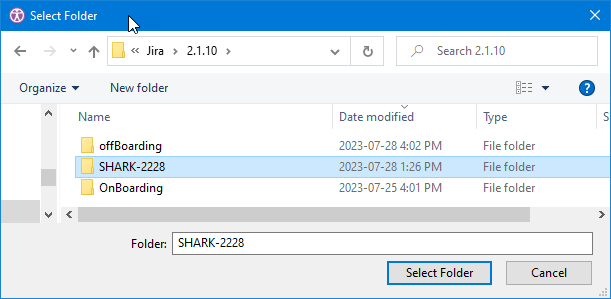
The UploadFolder function automates the process of Uploading Folder to OneDrive/sites/channels Files.
XML
<UploadFolder FilePath="F:\XML\SHARK-2228" Mode="All" IfFolderExists="Rename" IfFileExists="Rename" KeepAlive="false"/>
Tag Attributes
|
Attributes |
Attributes Value |
Value Description |
|---|---|---|
|
KeepAlive |
TRUE / FALSE |
N/A |
|
FilePath |
Local folder path |
Path of the local folder to upload - Required. It is uploaded into the folder or drive selected in the grid. |
|
IfFileExists |
Rename, Replace |
What to do when a file with the same name already exists |
|
IfFolderExists |
Rename, Merge |
What to do when a folder with the same name already exists |
|
Mode |
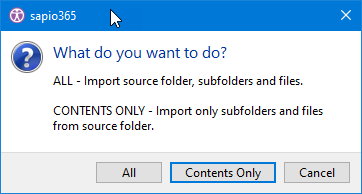
All, ContentsOnly |
Required. All: the folder itself with its subfolders and files; ContentsOnly: only its subfolders and files |
Upload Script
Example Script
XML
<SelectedShowDriveItemsGroups>
	<Select Lines="All"/>
	<UploadFolder FilePath="F:\XML\SHARK-2228" Mode="All" IfFolderExists="Rename" IfFileExists="Rename" KeepAlive="false"/>
</SelectedShowDriveItemsGroups>