Retrieve the chats that selected users are part of and their list of chat participants. From there, you’ll be able to retrieve each chat’s individual message details.
Chat types include:
-
One-on-one chats
-
Chats with more than 2 people (group)
-
Meeting or webinar chats (meeting)
How to get Chats
In the Users GridView:
-
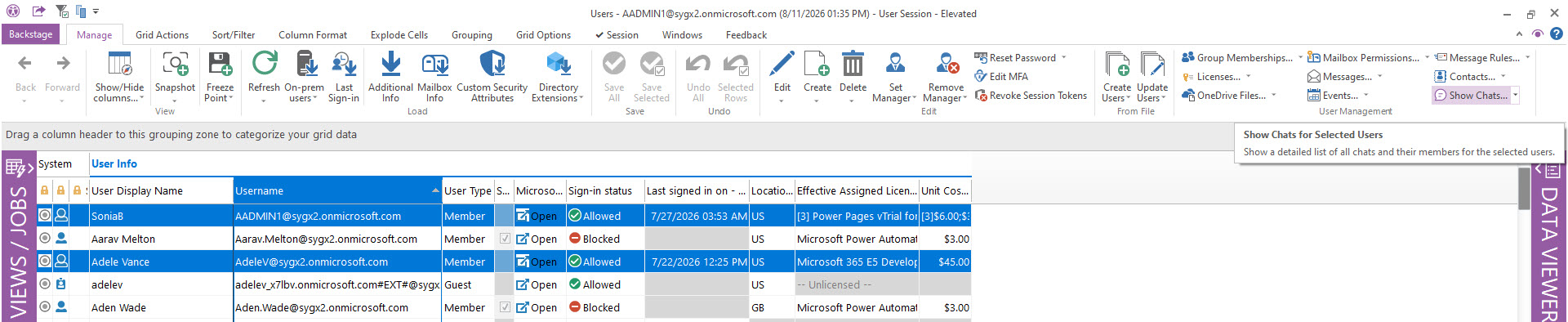
Select users.
-
Click Show Chats to retrieve all the chats where those users are participants.
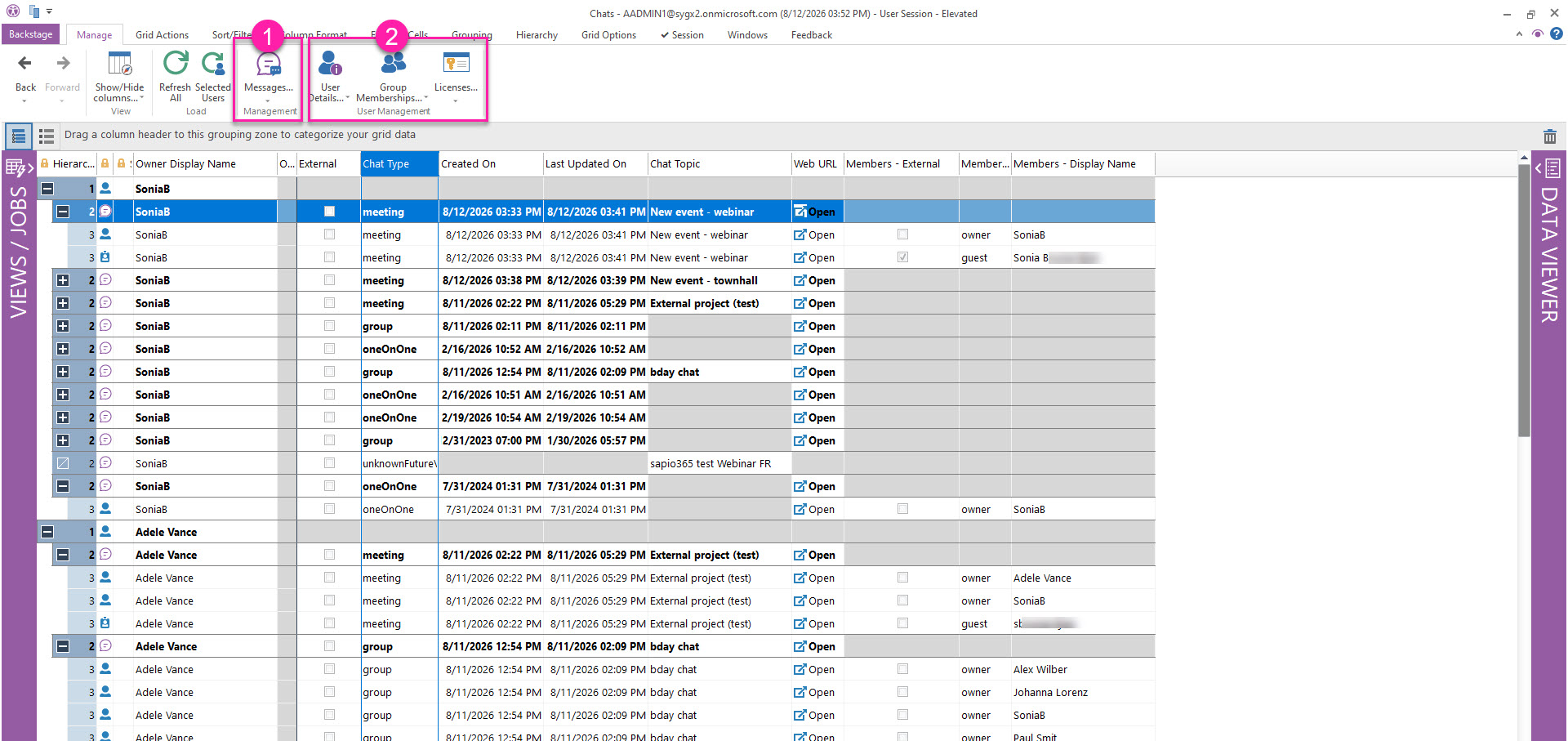
In the resulting Chats submodule, you’ll see chats for each user with all the participants, where you can add more property columns to the grid from the DataViewer on the right.
Identify External Chats and External Participants
Apply a value filter on the checkbox column:
-
External to isolate chats originating from another tenant.
-
Members - External to identify external participants.
From there, you can also:
-
Retrieve Message for the chats you select.
-
Retrieve user, membership or license details of the chat participants you select.