
Tag: DynamicFormat
The DynamicFormat function allows dynamic (or conditional) cell formatting with a formula that compares the cell value to a set of conditions.
As of 2025 (sapio365 v3, EZsuite v25), only background cell color is enabled.
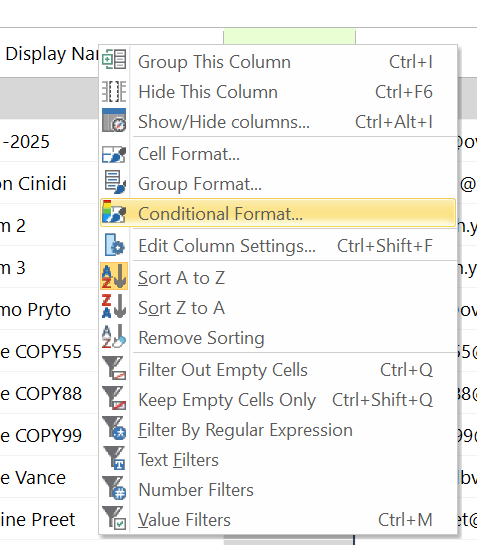
Tag Attributes
|
Attributes |
Attribute Values |
Value Description |
|---|---|---|
|
Target |
The corresponding Grid Code |
Sets the target grid on which the action will be applied - Not Required
|
|
ColumnID |
The corresponding Column ID, as shown in the Grid Manager |
Sets the column on which the action will be applied - Required |
|
Color |
Number value of the color |
Integer RGB value set as a decimal number: 255 (Red) or a hexadecimal notation prefixed with #: #00FF00 (green) |
Then insert inside the DynamicFormat block the Filter actions that build the formula. The cells whose values match the list of Filter shall be formatted (Color set).
Code Example
<ytriaAutomation Console="False">

red decimal
    <DynamicFormat Color="255" ColumnID="userPrincipalName">
        <Filter Contains="c" Mode="Text"/>
	</DynamicFormat>

green hexa
    <DynamicFormat Color="#00FF00" ColumnID="userPrincipalName">
        <Filter Contains="w" Mode="Text"/>
	</DynamicFormat>

</ytriaAutomation>