The cells in databaseEZ's grid and various panels make use of colors to identify different states and conditions.
Color codes used in databaseEZ
Main Grid Cell Background Colors
Property Analyzer Cell Grid Background Colors
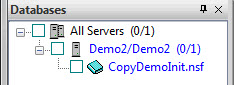
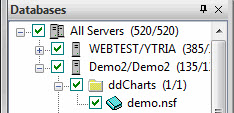
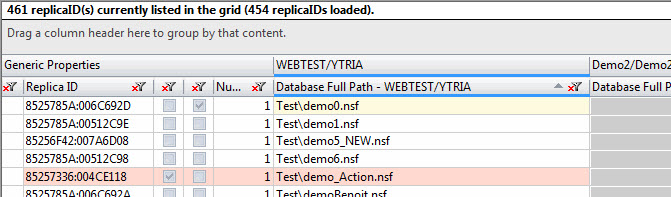
Colors in the Main Grid
Row Colors
Cell Colors

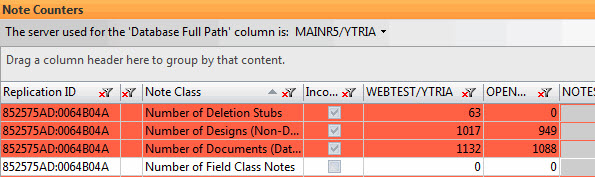
Colors in the Note Counters Panel
Row Colors
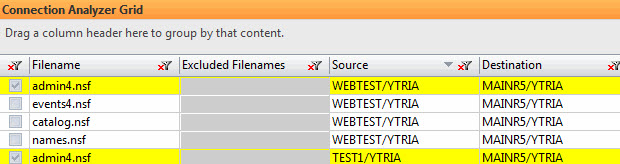
Colors in the Connection Analyzer Grid
Row Colors
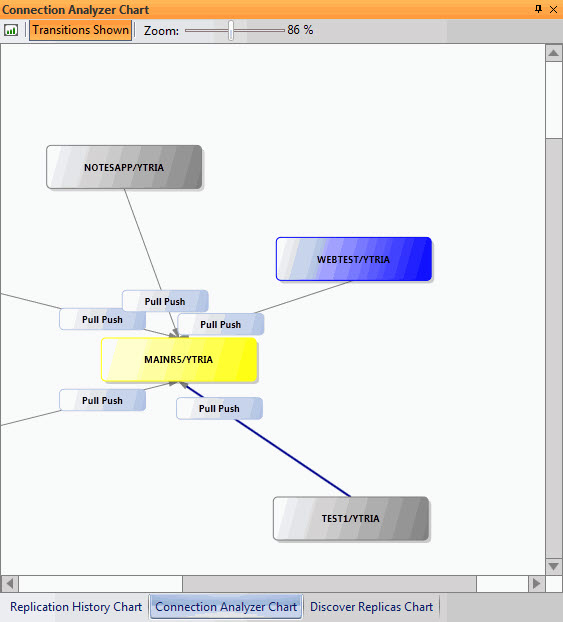
Colors in the Connection Analyzer Chart
Server Node Colors
Blue is used to indicate that this is server that was selected during the Connection Analyzer scan.
Green is used indicate when a server is currently loaded in the back-end of the application.
Gray is used to indicate that a server is NOT currently loaded in the back-end of the application.
Yellow is used to indicate that a server is currently loaded in the back-end of the application but is part of the list of skipped servers.
Transition Arrow Colors
Gray is the default color for transition arrows.
Blue arrows are used to indicate the main transition (i.e. the transition that represented in the line selected in the Connection Analyzer grid).
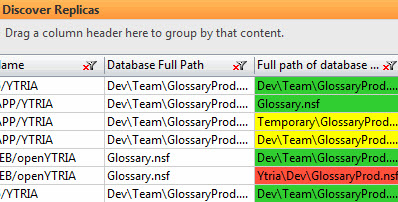
Colors in the Discover Replicas Panel
Cell Colors
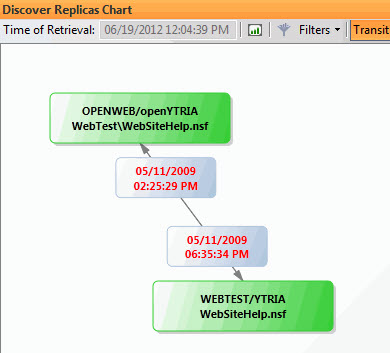
Colors in the Discover Replicas Chart
Database Node Colors
Transition Node Text Colors
ACL Comparator Grid
Row Colors
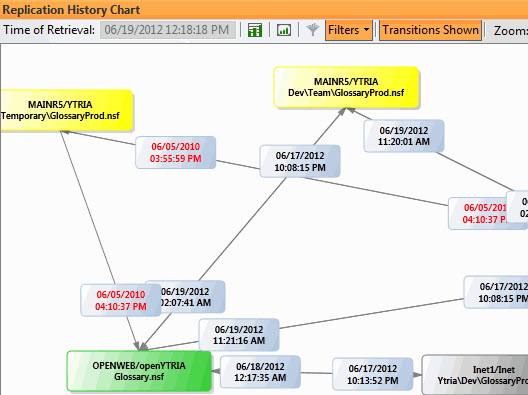
Colors in the Replication History Chart
Database Node Colors
Transition Node Text Colors