
Consent Policy Settings can be used for managing tenant-wide consent policy (user consent, admin consent and group-specific consent to applications).
These settings can be accessed from the Dashboard → Tenant.
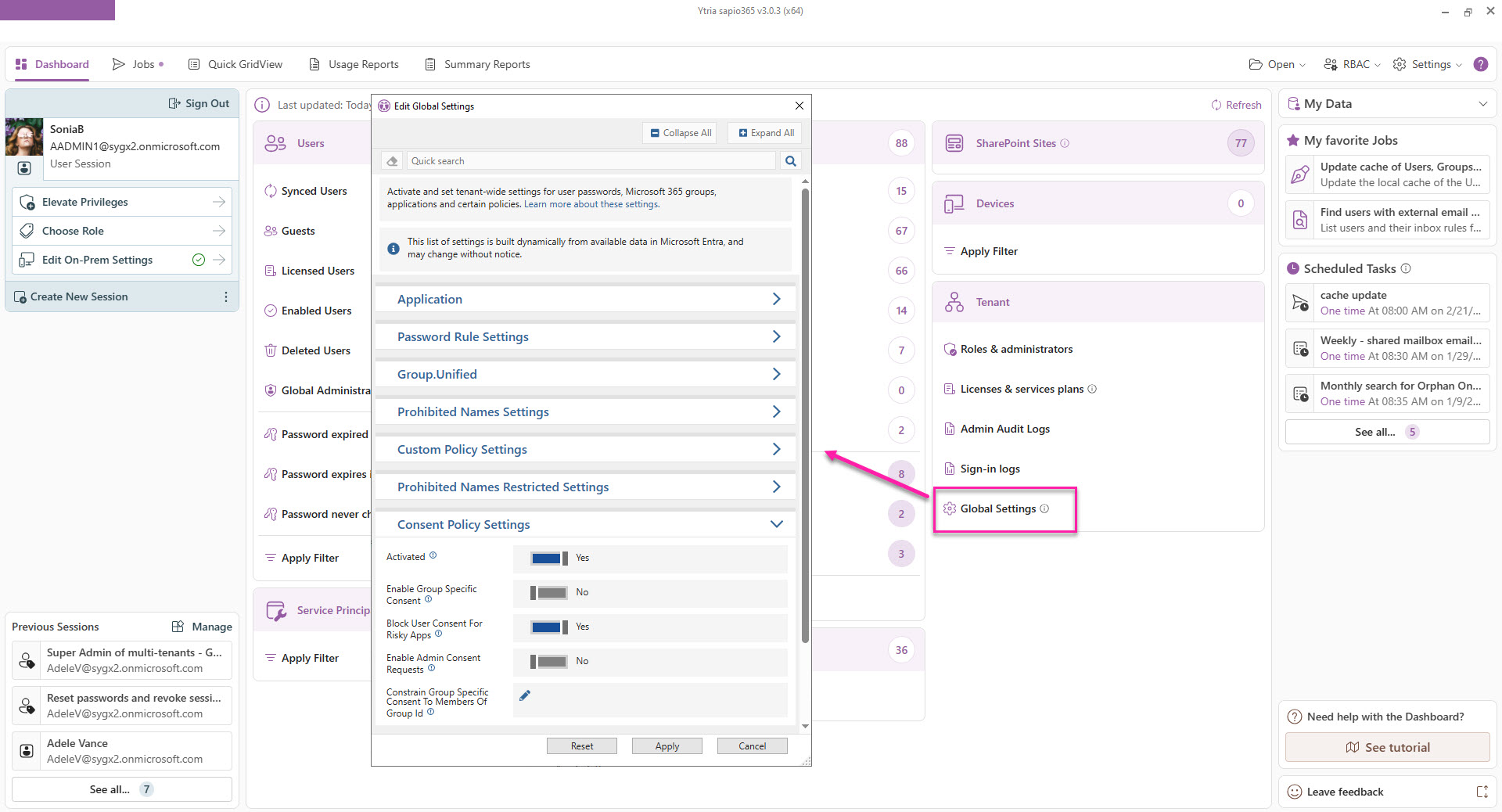
The list of settings in sapio365 is built dynamically from available data in Microsoft Entra and may change without notice.
|
Setting |
Description |
|---|---|
|
Enable Group Specific Consent |
Flag indicating if groups owners are allowed to grant group specific permissions. |
|
Block User Consent For Risky Apps |
Flag indicating if user consent will be blocked when a risky request is detected. Administrators will still be able to consent to apps considered risky. |
|
Enable Admin Consent Requests |
Flag indicating if users will be able to request admin consent when they are unable to grant consent to an app themselves. |
|
Constrain Group Specific Consent To Members Of Group Id |
If set to “True” and this is set to a security group object ID, members (both direct and transitive) of the group identified will be authorized to grant group-specific permissions to the groups they own. |