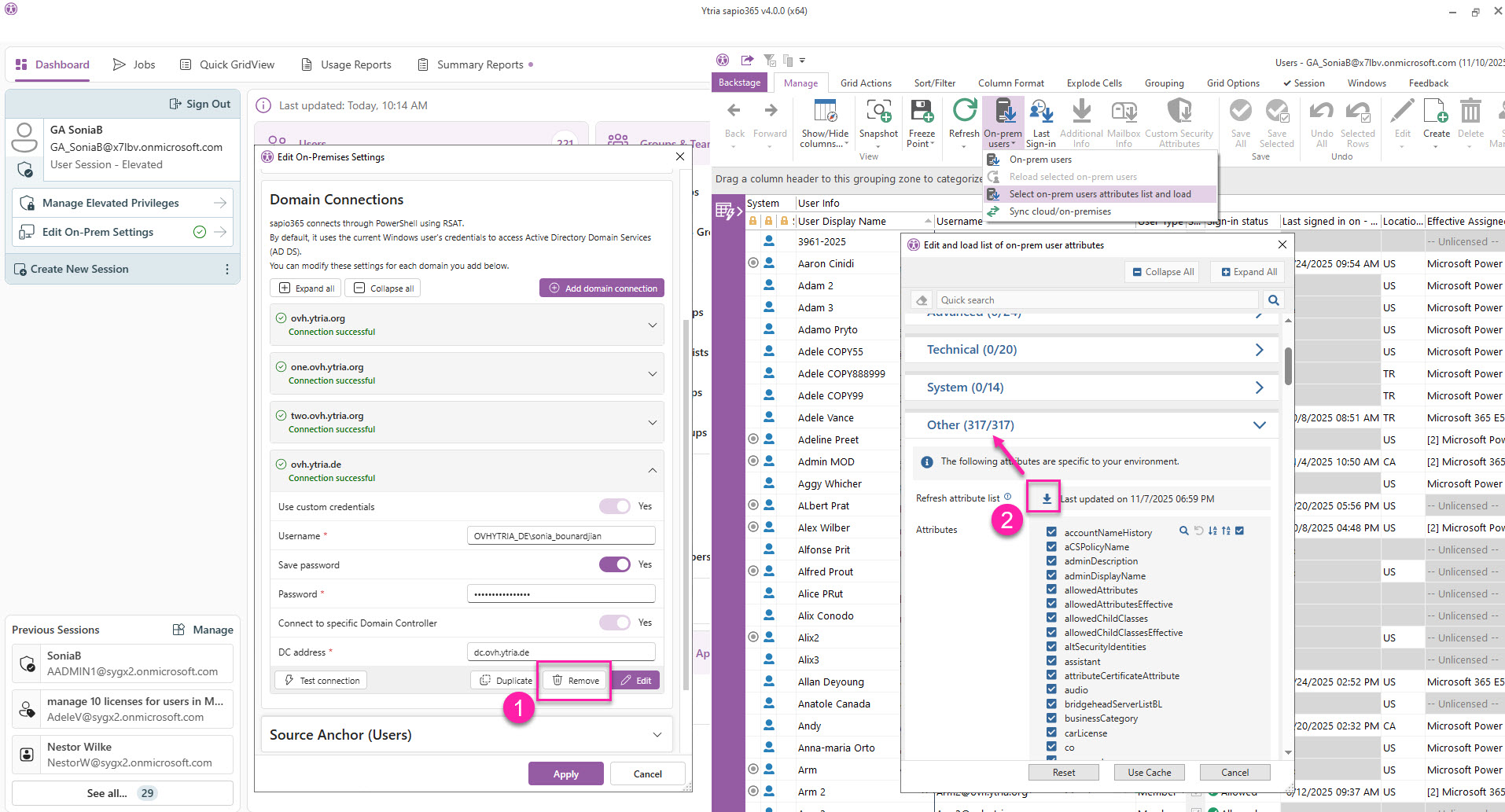
If you can encounter this 'Error while Loading' message when refreshing on-prem users or groups from multiple Domain Connections, this indicates that certain attributes that were last configured to load in the ‘Other’ category are not available in that particular Domain Connection mentioned in the error.
This error message will persist until you take one of two actions:
-
Option 1: Refresh the list of available attributes in the ‘Other’ section of the loading dialog in order to only load attributes shared among the configured Domain Connections.
-
Option 2: Uncheck the flagged Domain Connections from the load option list when you Refresh on-prem users or groups.
Option 1: Refresh the list of ‘Other’ attributes to load
Click ‘Refresh attribute list’ in the ‘Other’ section of the load selection.
This will re-read the attribute lists for each Domain Connection and list only those common to all. The number in parenthesis after ‘Other’ will become smaller.
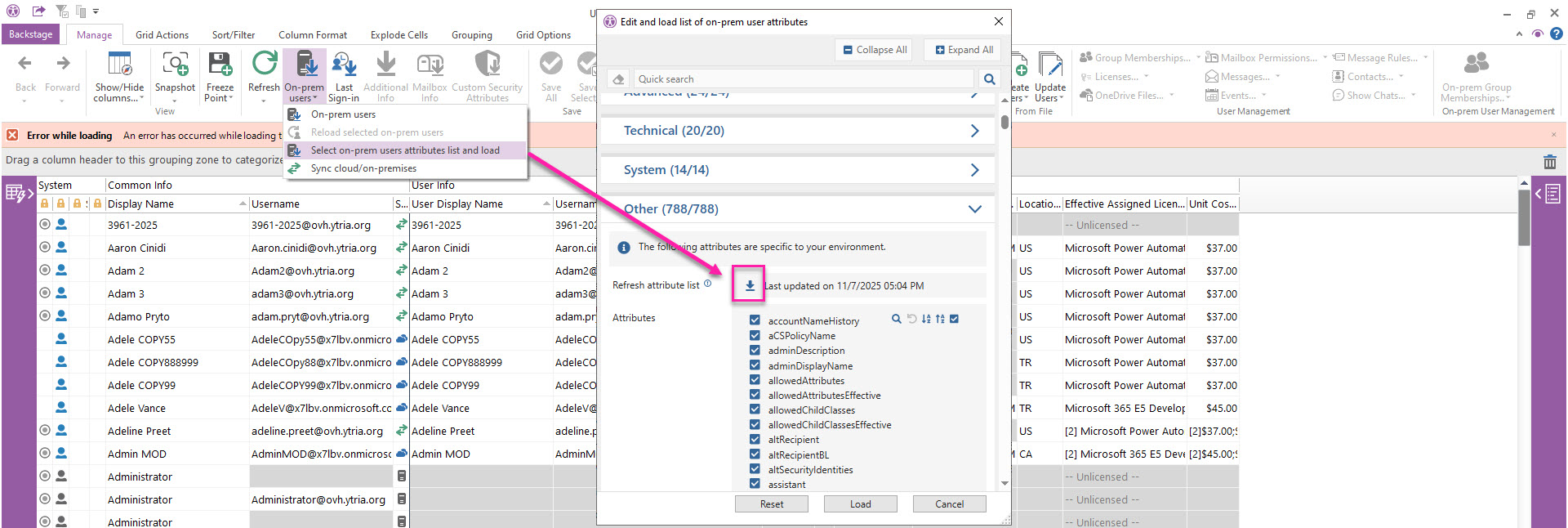
Option 2: Uncheck flagged Domain Connections from the load option list when you Refresh
Another option is to remove the Domain Connections that are in your refresh list.