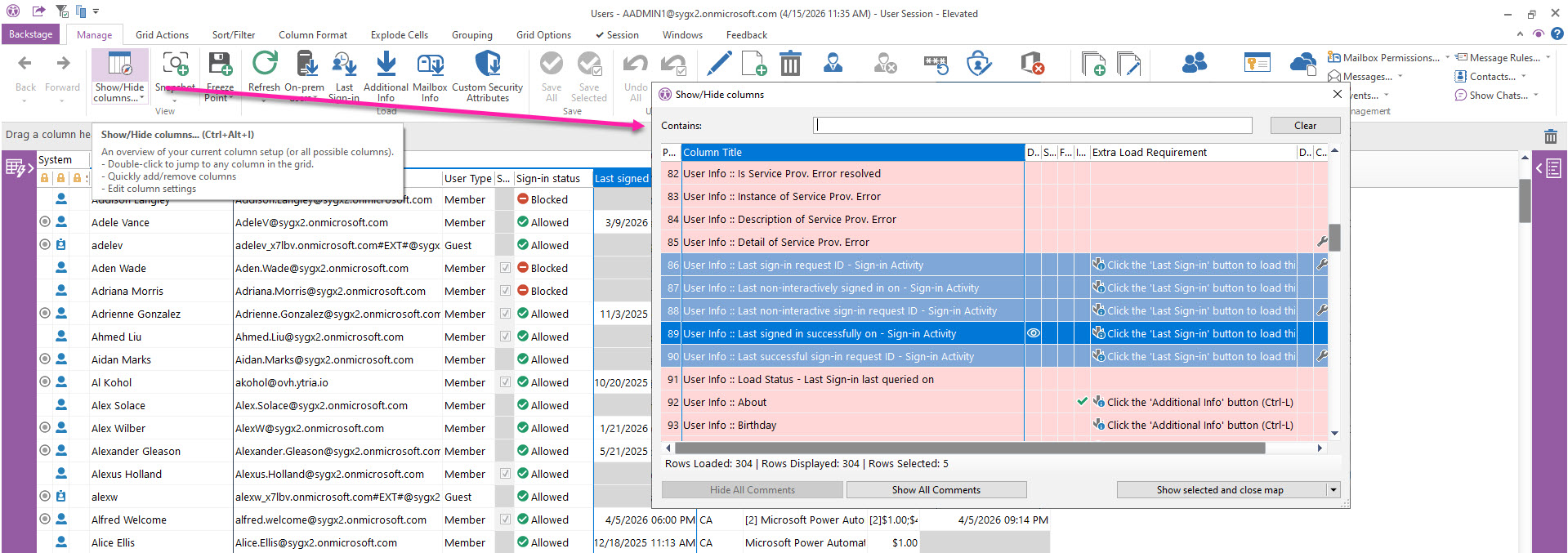
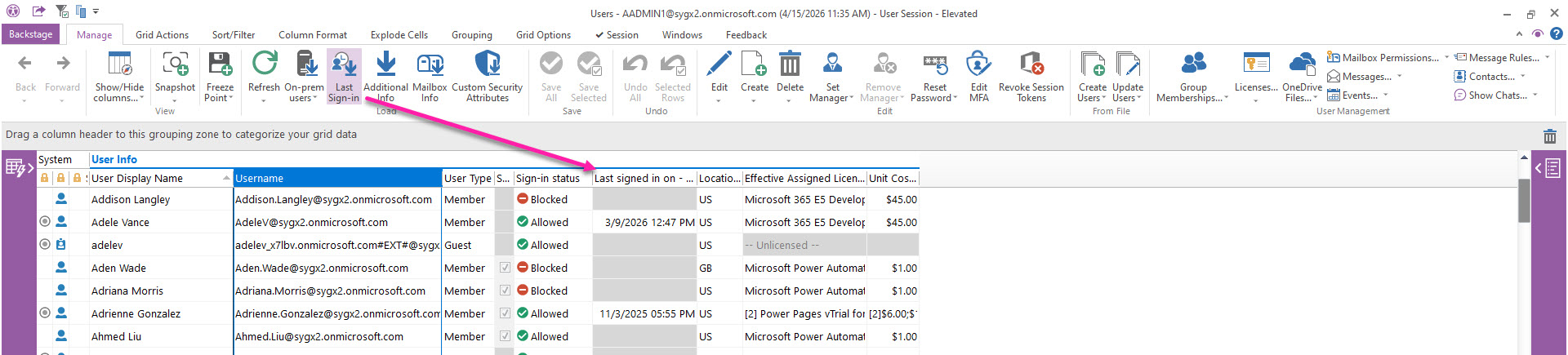
Retrieve various last sign-in information for every user account.
If they are not loaded in the grid, these user properties display the button icon in the grid.
Last Sign-in requirements
According to the Microsoft Graph API documentation, these signInActivity properties require a Microsoft Entra ID P1 or P2 license. These properties are not returned for user accounts that have never signed in or whose last sign-in occurred before April 2020.
Show Column Selector after Load
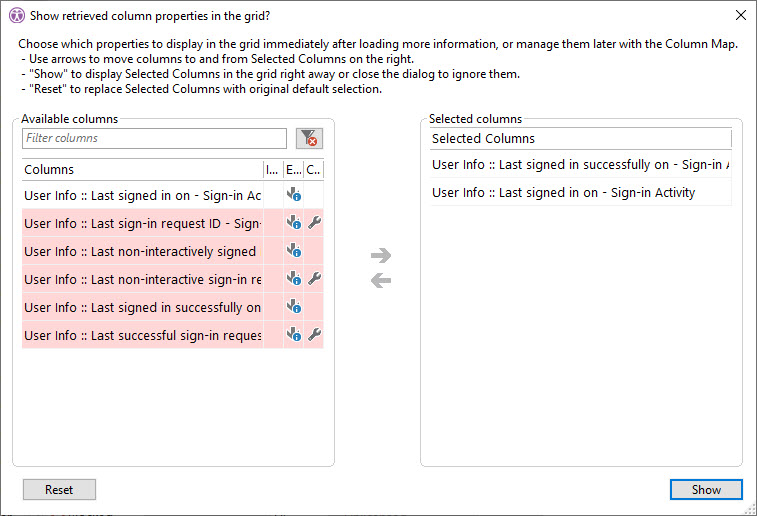
After loading, this dialog lets you choose which newly loaded properties to show as grid columns.
List of Last Sign-in properties
You can see the full list of these properties in the Column Map and in the section below.