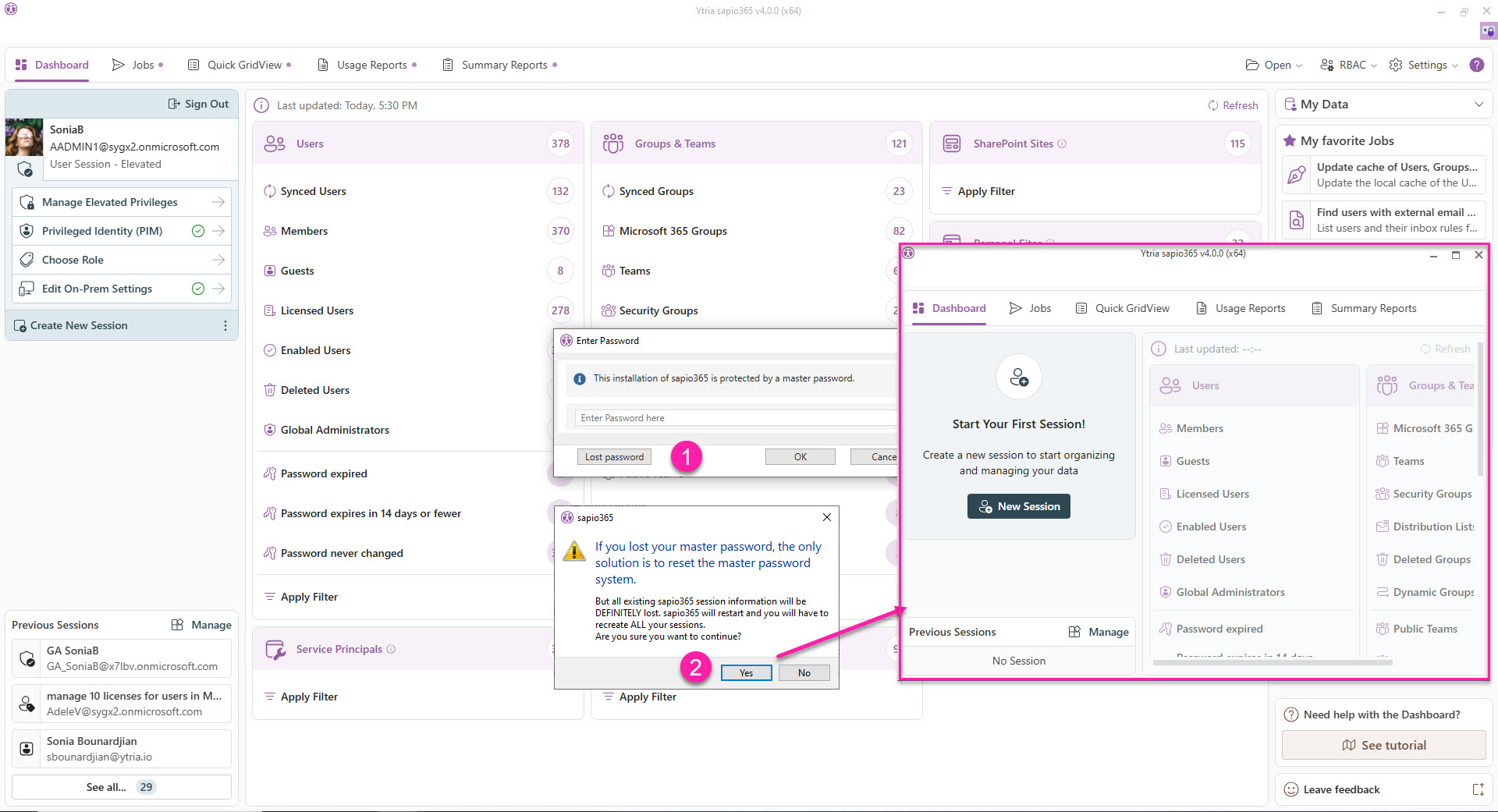
If you lost your password and want to continue using sapio365, you will have to take steps that result in the loss of all your sapio365 sessions.
You will have to recreate ALL your sessions. Proceed only if you are sure about this.
-
To remove the lock and password requirement, and delete your ALL your sapio365 session information, click on ‘Lost password’.
-
You’ll need to confirm your action with ‘Yes’.
ALL YOUR SESSIONS WILL BE ERASED